How to Rename Your Character
Want a new identity for your character?You can change your character name using the Rename feature.
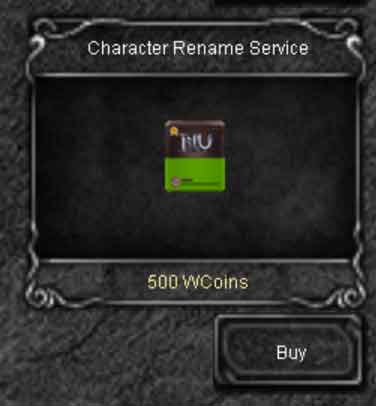
Renaming requires a Rename Ticket, which can be purchased directly from the in-game XShop.After obtaining the ticket, use the rename command to choose your new character name.
Get a Rename Ticket
Open the XShop in game and purchase the Rename Ticket.
The ticket is required to complete a character name change.
You can also purchase the Rename Ticket as a gift for another player directly through the XShop.When sending it as a gift, you can add a personal message that will be delivered together with the ticket.
This makes the Rename Ticket useful not only for your own character, but also as a practical gift for friends, guild members or event rewards.
How to Rename Your Character
- Enter the game with the character you want to rename.
- Open the XShop and purchase a Rename Ticket.
- Use the character rename command.
- Enter the new name you want to use.
- If the name is available and valid, your character will be renamed.
Rename command:
| Command | Command description | Price |
|---|---|---|
/changename |
<name> - Change character name |
7-Day Rename Cooldown
The rename feature can be used only once every 7 days.After a successful name change, you must wait 7 days before another rename can be performed.
Choose your new name carefully before confirming the change.
Important: your new character name must be available and comply with the server naming rules.If the requested name is already in use or is not allowed, choose another name.
 Loading...